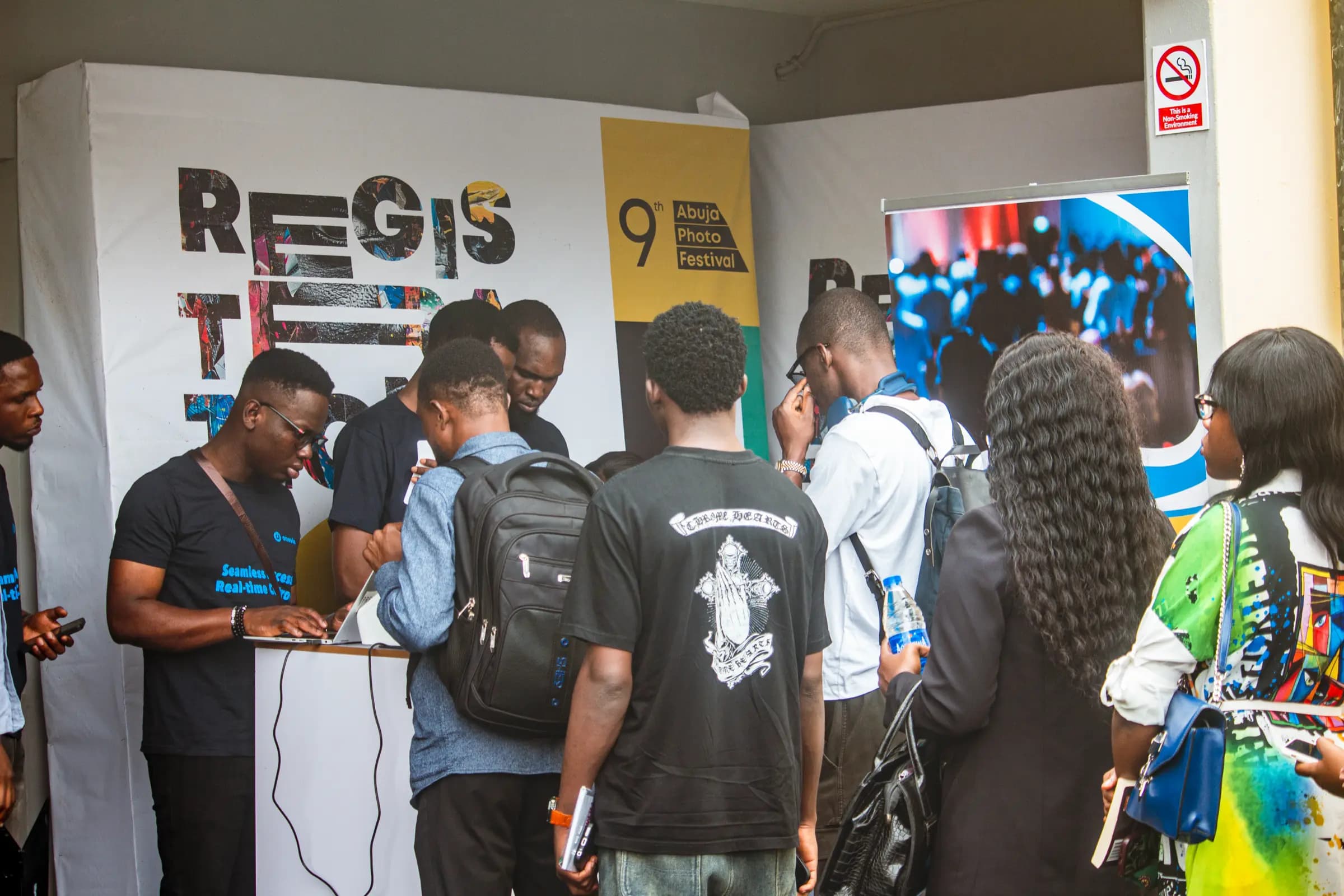
Keep Everyone in
the Loop
From registration confirmations to event-day reminders, keep attendees informed with timely, relevant communication.
What You Get
- Email + WhatsApp
The channel they read
A confirmation by email and a reminder on WhatsApp is two chances to be read, from one journey.
- Triggered
Not blasted
Messages fire on registration, approval, payment and time-to-event, so nobody receives a reminder for a ticket they never bought.
- Merge Fields
From the record
Name, ticket type, session, lane, venue and QR code come from the attendee record, not from a CSV you keep in sync by hand.
Write it once. Let the event send it.
Most event email is the same six messages retyped with a new date. Build them as a journey and the triggers do the scheduling: confirmation on registration, joining instructions on approval, a reminder the day before, a nudge when a session is nearly full.
- Confirmation carrying the QR code the door will read
- Joining instructions with venue, arrival window and what to bring
- Day-before reminders sent only to people who have not checked in
- Session-full and room-change notices to exactly the attendees affected
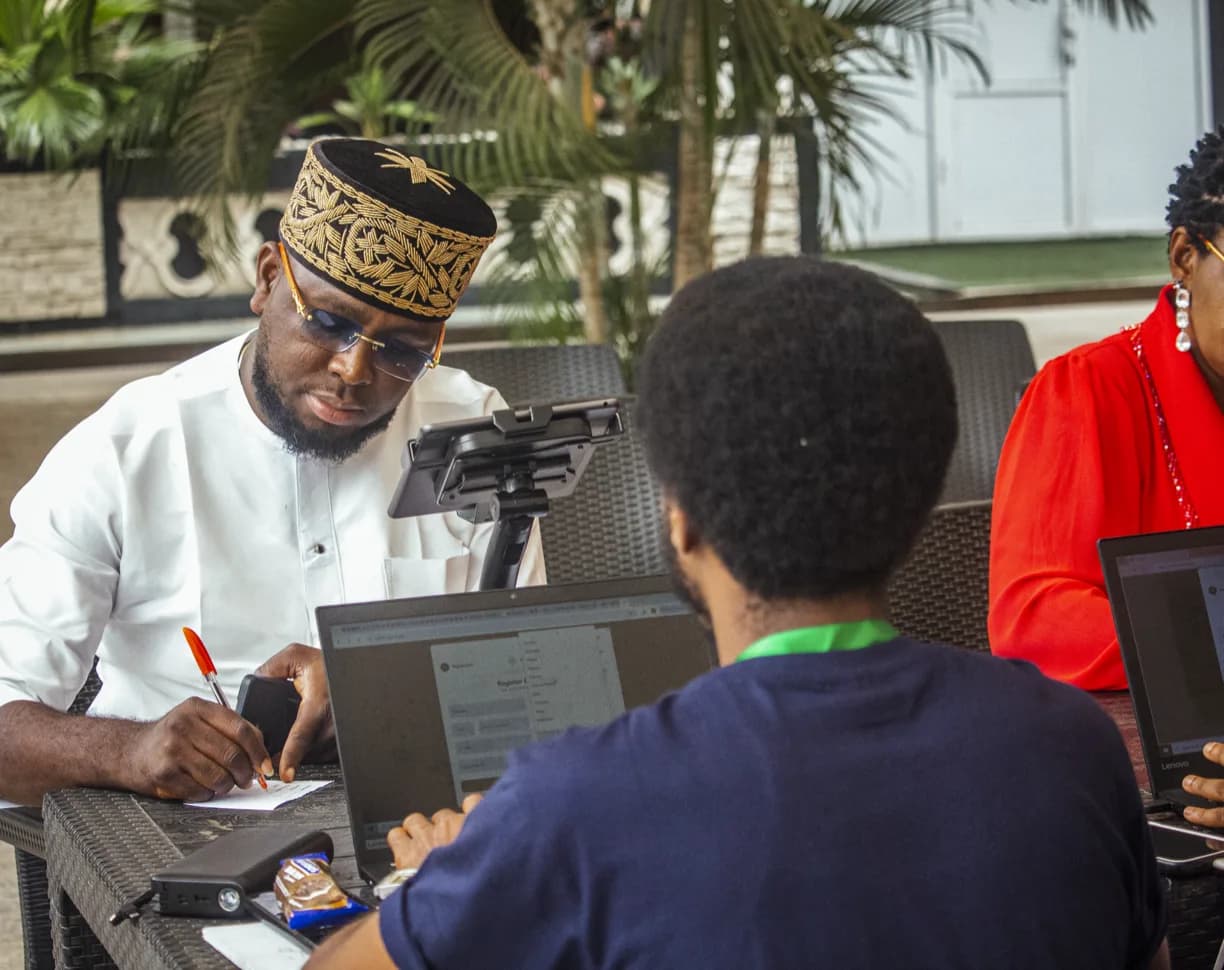
Speak to only the people it concerns.
A change of room affects one track. A dress code affects the gala. A sponsor briefing affects exhibitors. Segments are built from the same fields registration already collected, so a message reaches the right people without a second mailing list to maintain.
- Segments by ticket type, attendee type, session, payment status or approval state
- Delivery and open counts per message, with resend to non-openers
- Quiet hours and scheduled sends, so nothing lands at 02:00
- Reply handling on WhatsApp, where delegates actually ask their questions
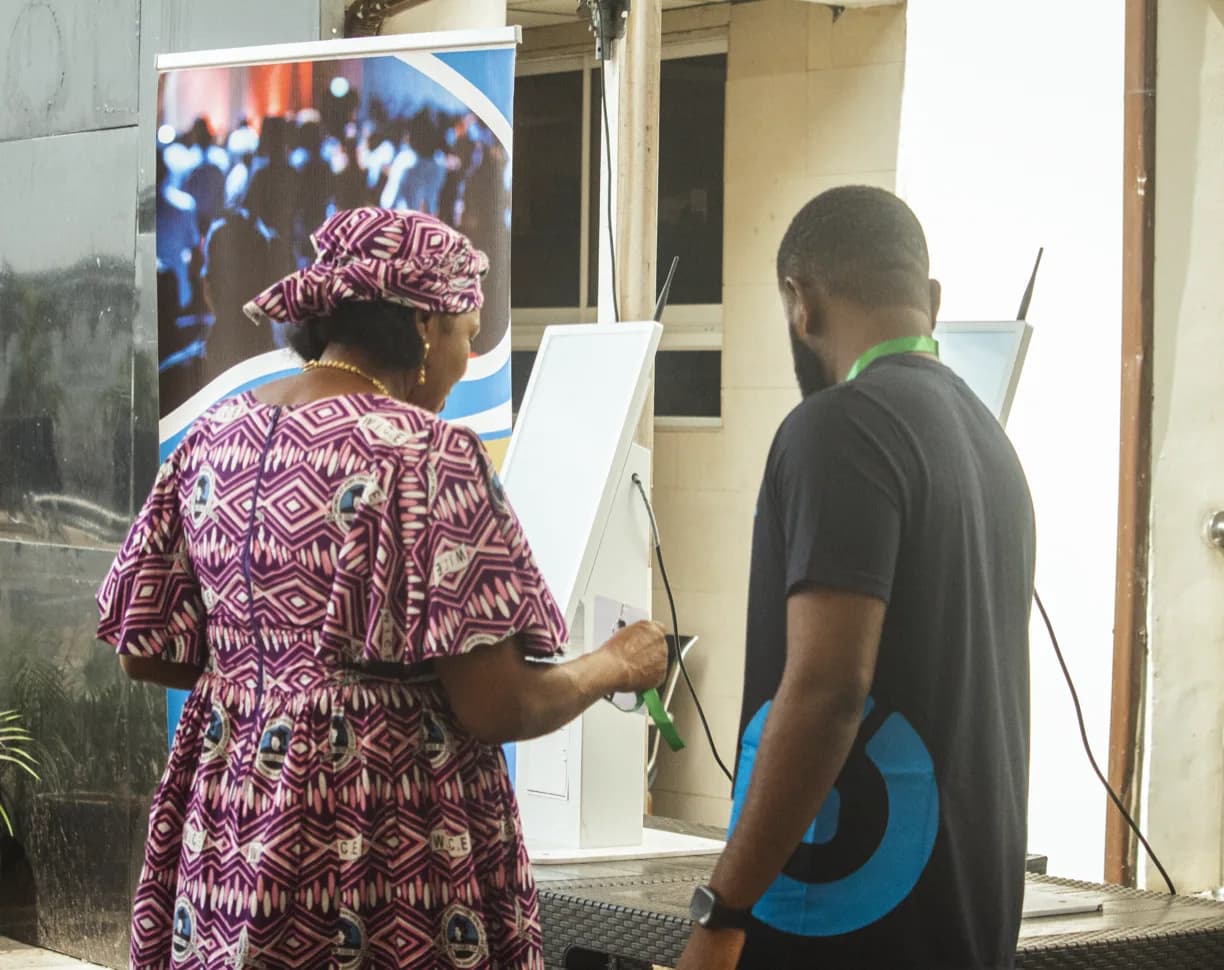
Three messages that remove three door problems.
Most of the queue at 08:30 is an information failure, not a staffing failure.
Send the QR before the day
A confirmation with the code and a reminder the evening before removes the “I can’t find my email” conversation.
Tell them where to go
Venue, entrance, arrival window and what to have ready, in the channel they read, not a PDF nobody opens.
Message the change
Room moves, session changes and delays go to the affected segment only, while they are still on their way.
Communication that belongs to the event, not to a separate tool.
Send confirmations, share updates and keep attendees informed, all from one platform.
Email campaigns
Branded templates sent to a segment or the whole list, with delivery and open tracking.
WhatsApp messages
Short, readable reminders and replies on the channel most delegates check first.
Triggered journeys
Messages attached to registration, approval, payment and time-to-event rather than to a manual send.
Segments
Audience built from ticket type, attendee type, session, payment state or check-in status.
Branded templates
Per-event header, colours and footer, with the copy your team can edit without a designer.
QR delivery
The attendee’s code is merged into the message, so it is in their inbox before they leave home.
Delivery and opens
See what landed, what was opened, and resend to the people who missed it.
Scheduling and quiet hours
Send at a sensible hour in the attendee’s timezone, or hold until the morning.
Session notices
Automatic messages when a session fills, a room changes or a waitlist place opens.
Make more of the whole event.
A Few Things You Might Be Wondering.
Straightforward answers about the Onevie experience.
Yes. Nexus is Onevie's portable on-site server. It keeps attendee verification, QR check-in and badge printing running locally, even when venue internet isn't available. Your kiosks stay operational and your entrance keeps moving.