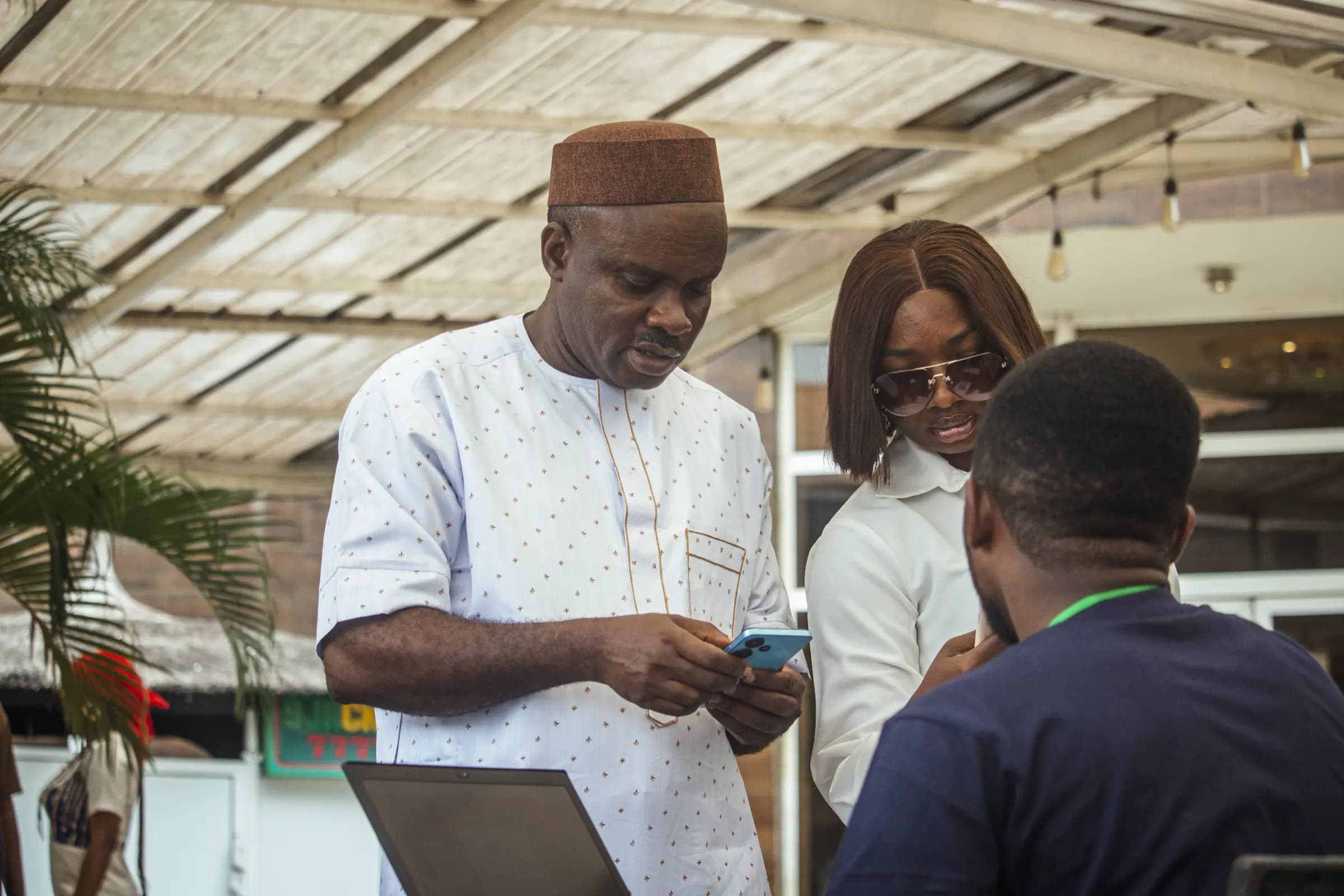
Your Event.
In Their Pocket.
Give attendees one convenient place to explore schedules, discover sessions and stay connected throughout the event.
What You Get
- Personal
Agenda by attendee
The schedule is theirs: sessions saved, rooms noted, clashes shown before they walk to the wrong hall.
- Push
Announcements that land
A room change at 10:52 reaches the people in that track while they are still in the corridor.
- Same Badge
In the app
The QR code in the app is the same credential as the printed badge, so either works at the door.
One place to answer “where am I meant to be?”
The programme, their saved sessions, the speakers they came for and the exhibitors they want to meet. Everything an attendee needs between the badge scan and the closing drinks, without a printed programme they will leave on a chair.
- Full agenda with tracks, rooms and times, filterable by day and topic
- Personal schedule with clashes flagged before they happen
- Speaker profiles linked to their sessions
- Badge and QR available in the app, with offline access to the agenda
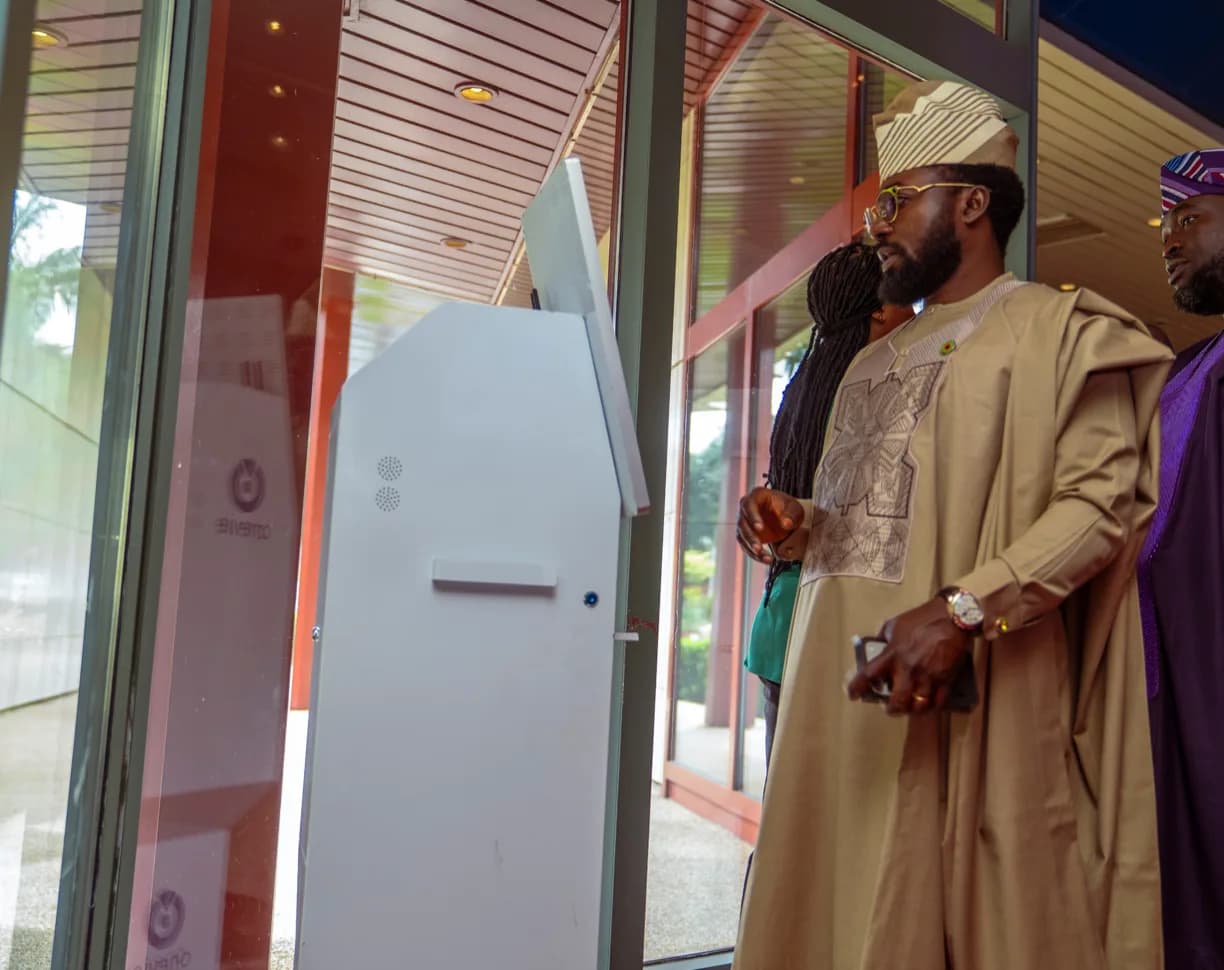
A channel that reaches the room, not the whole list.
Announcements are the fastest tool you have during a live event, and the easiest to abuse. Send to everyone when the venue matters; send to a track when the room changes. Sponsors get a placement that is seen rather than a logo in a footer nobody scrolls to.
- Push announcements to everyone, or to a segment by track, ticket type or session
- Programme edits published once and visible everywhere attendees look
- Sponsor and exhibitor placements inside the agenda and directory
- Content updates without an app release
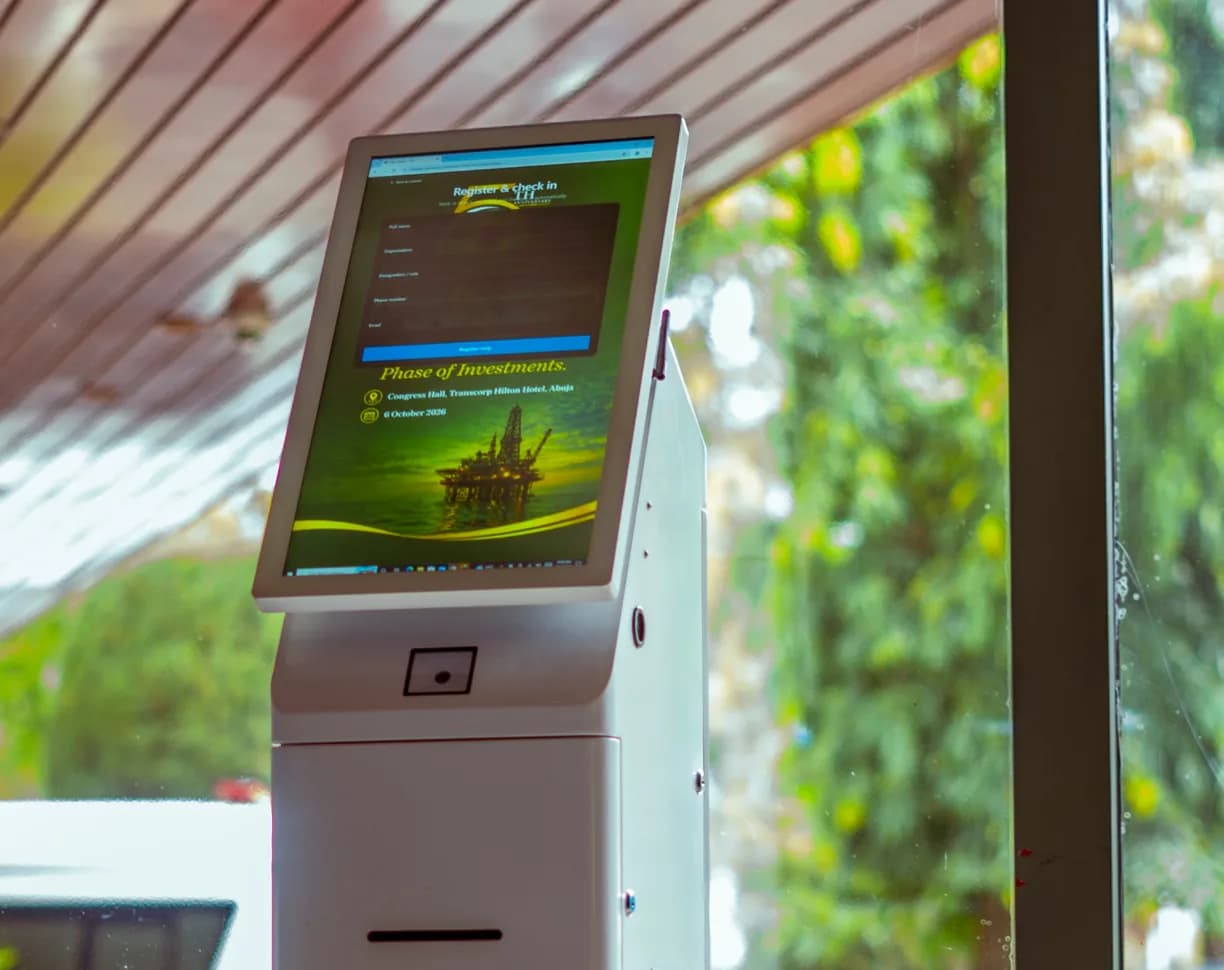
Publish the programme. Then keep it true.
The app reads from the same session and speaker records as the room scanners.
Publish
Sessions, speakers, tracks, rooms and exhibitors are drawn from the programme you already manage.
Personalise
Attendees sign in with their registration and build a schedule that follows them through the day.
Broadcast
Push the change to the affected segment and watch attendance respond in the room report.
Useful on day one, without a content team.
Keep attendees informed with event updates, schedules and essential information, all in one place.
Agenda
The full programme by day and track, with rooms and times that match the scanner.
Personal schedule
Saved sessions, clash warnings and a day view that stays readable at a glance.
Speakers
Profiles, bios and the sessions each speaker appears in.
Exhibitor directory
Company profiles, categories and booth numbers, searchable and filterable.
Push announcements
Send to everyone or a segment, with delivery visible to the operations desk.
Venue map
Where each room, stand and entrance is, so the walk is shorter than the search.
Badge in app
The attendee’s QR code, available without a printed badge or an email search.
Sponsor placements
Sponsored sessions, stand highlights and placements inside the directory.
Offline agenda
The schedule stays available on a weak venue network.
Make more of the whole event.
A Few Things You Might Be Wondering.
Straightforward answers about the Onevie experience.
Yes. Nexus is Onevie's portable on-site server. It keeps attendee verification, QR check-in and badge printing running locally, even when venue internet isn't available. Your kiosks stay operational and your entrance keeps moving.