
Make Signing Up
the Easy Part
Create branded registration experiences that make it simple for attendees to register and easier for organisers to manage every response.
What You Get
- Conditional
Questions, not a gauntlet
Members see member questions. Sponsors see sponsor questions. One form instead of five, and no field nobody reads.
- In The Flow
Approvals
A pending registration holds its place without issuing a badge, so nothing prints early and nothing needs retracting.
- One Record
Form to door
Every approved registration becomes a QR code, a badge and a door entry, with no export in between.
Ask what the event needs. Not what the last system happened to collect.
Build the form from blocks: text, dropdowns, file uploads, dietary and access requirements, consent. Conditional logic keeps it short for most people and detailed for the ones who need it: members, group leads, press, speakers.
- Conditional fields by ticket type, attendee type or an earlier answer
- Group and bulk registration with a lead booker managing the rest
- Member and credential verification before a rate is applied
- Capacity limits and waitlists per ticket type, enforced as people register

A record your team can trust at 07:00 on the day.
Duplicates, half-finished submissions and “I registered my colleague too” arrive on every event. The attendee list is built to be worked on: merge duplicates, correct a name, move someone between ticket types, and the badge and door record follow.
- Duplicate detection on email and phone, with a merge that keeps the history
- Bulk edits for ticket type, attendee type and approval status
- Imports for lists inherited from a previous system, with validation on the way in
- Full change history, so you know who moved a registration and when
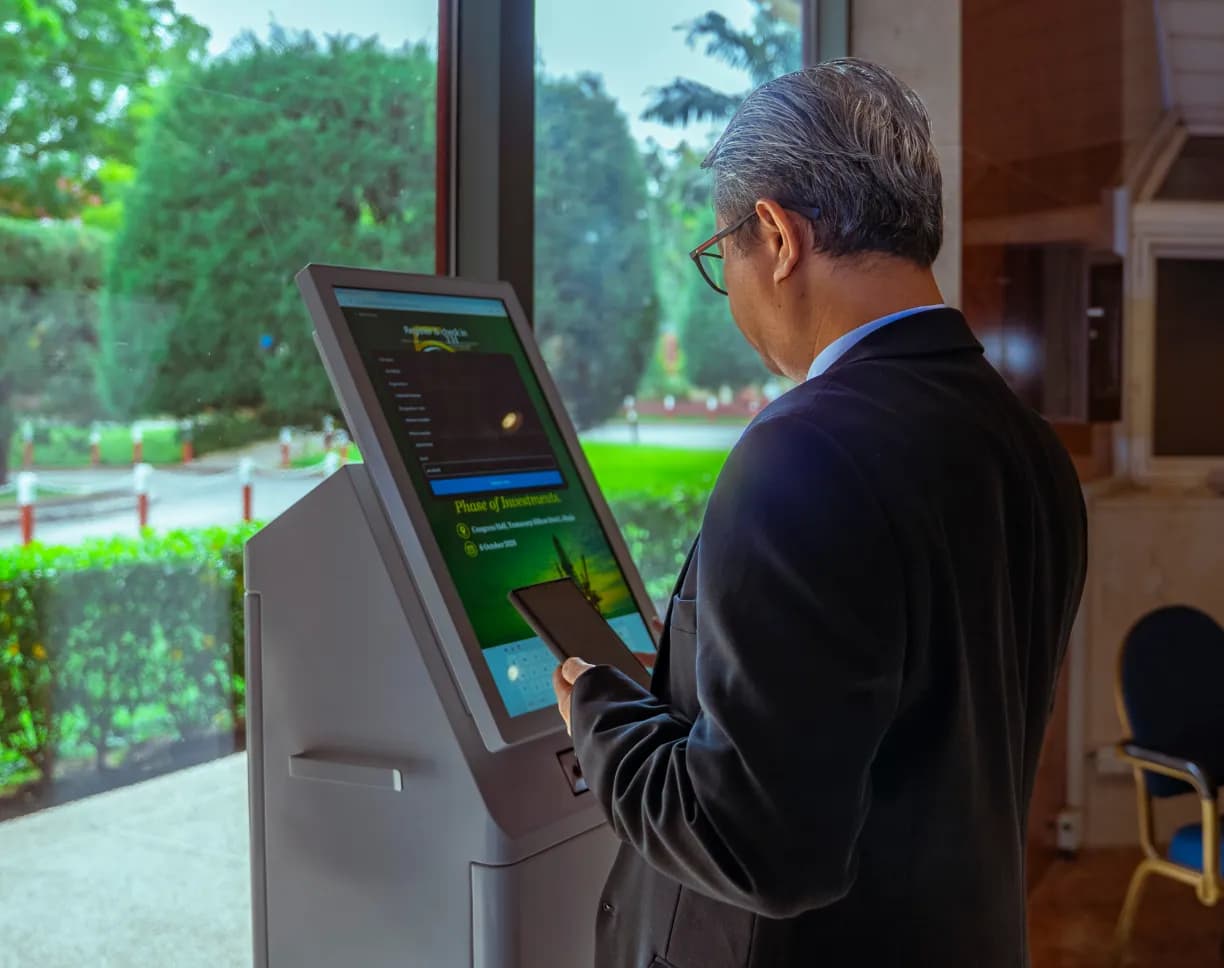
From a form field to a badge at the door.
One pipeline. Registration, ticketing, badging and reporting read the same record.
Design and publish
Build the form, set ticket types and capacity, then publish to a branded page you can send by email or WhatsApp.
Work the queue
Approve, waitlist or ask for more information. Approved attendees get their QR code immediately.
Hand it to the door
The door reads the same list as the form. No export, no import and no reconciliation the morning after.
Registration built for event teams, not for demo videos.
Flexible forms, attendee management and simple approvals. Everything your team needs, from registration to check-in.
Custom form builder
Fields, sections and copy you control, with a branded page that matches the event rather than the software.
Conditional logic
Show a question only to the people it applies to, based on ticket type, attendee type or a previous answer.
Approval workflows
Hold, approve or query a registration, with the attendee told what happens next.
Group registration
One lead booker, many attendees, one invoice, and a list that stays correct when the group changes.
Attendee types
Delegate, speaker, VIP, sponsor, exhibitor and staff, each with its own fields, rate and badge.
Instant QR issuance
The code is generated on approval and delivered by email or WhatsApp, ready for the door.
Capacity and waitlists
Limits per ticket type with a waitlist that promotes automatically when a place frees up.
Attendee management
Search, filter, correct and bulk-edit the list without a spreadsheet leaving the platform.
Imports and exports
Bring in a list from another system, or take a clean one out, with validation on both ends.
Make more of the whole event.
A Few Things You Might Be Wondering.
Straightforward answers about the Onevie experience.
Yes. Nexus is Onevie's portable on-site server. It keeps attendee verification, QR check-in and badge printing running locally, even when venue internet isn't available. Your kiosks stay operational and your entrance keeps moving.