
Know Who
Went Where
Track attendance across sessions, rooms and controlled event spaces with simple QR-based verification.
What You Get
- Room Level
Attendance, not just arrival
Every session door scans on its own, so you know who was in the room, not just who came through the entrance.
- Live
Occupancy you can act on
Seats taken, seats left and queue pressure per room, refreshed while the session is still running.
- One Record
Per attendee
Every scan lands on the attendee's own session history, ready for certificates, CPD and sponsor reports.
Tiered access, enforced by a scanner instead of a volunteer.
Give each room its own rule: this session is open to all delegates, that one is for VIPs and press, the workshop is for people who paid for it. The door scanner enforces it without a printed list and without a conversation that ends badly.
- Access rules set per session, per track or per ticket type
- Capacity caps enforced at the scan, so a full room stops at the door
- Out-of-tier attendees turned away politely, with the reason on screen
- Walk-in seats released once the session begins, if you allow them
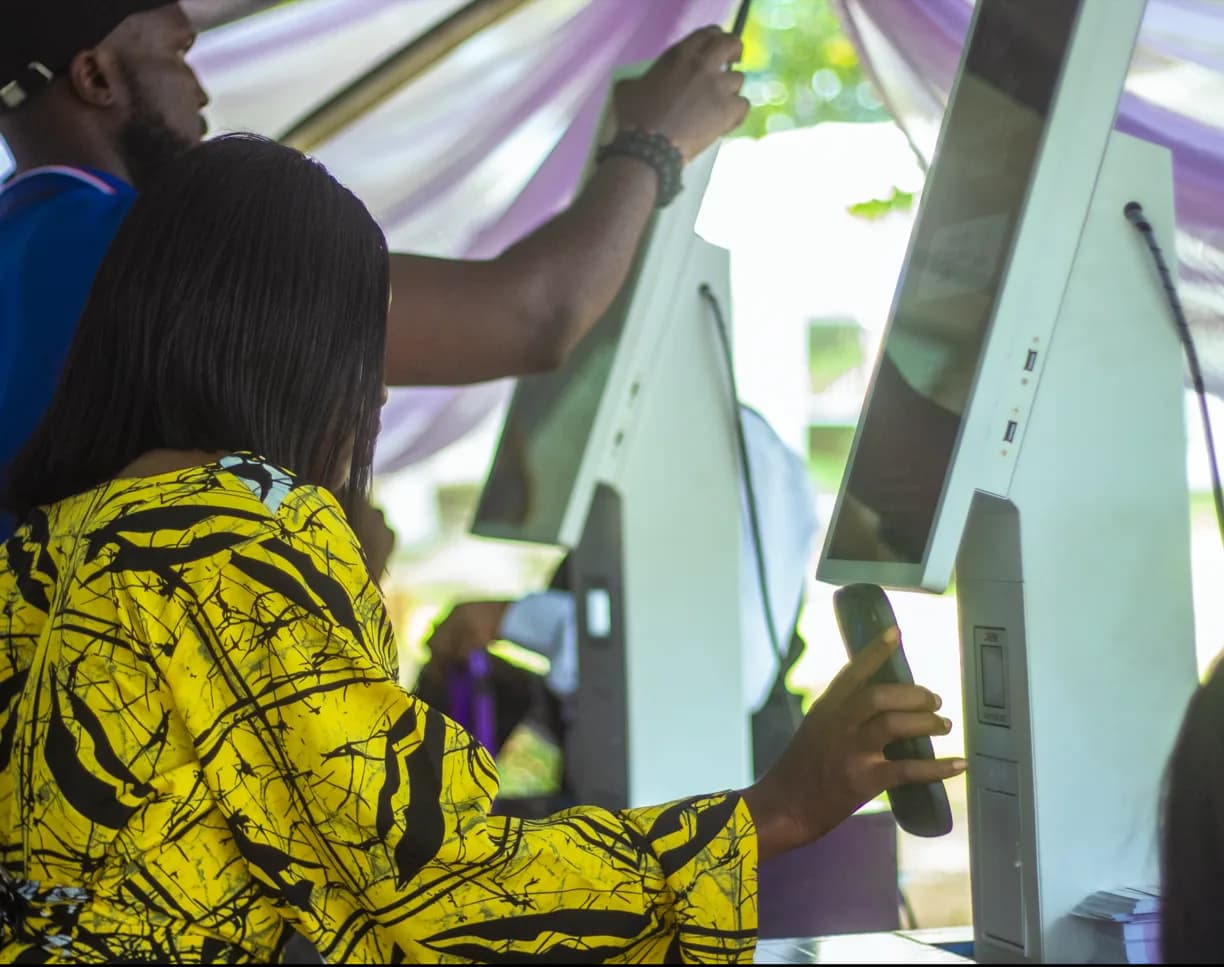
See which rooms earned their slot.
Occupancy per room tells you what your programme actually did: which keynote needed a bigger hall, which panel should have been a workshop, and which track quietly ran at forty percent. You get that during the event, not in a post-mortem.
- Capacity bars per room with waitlist pressure where it matters
- Attendance split by attendee type: delegates, press, exhibitors, staff
- No-show counts per session, so you know when to release held seats
- Attendance certificates and CPD records generated from the same scans
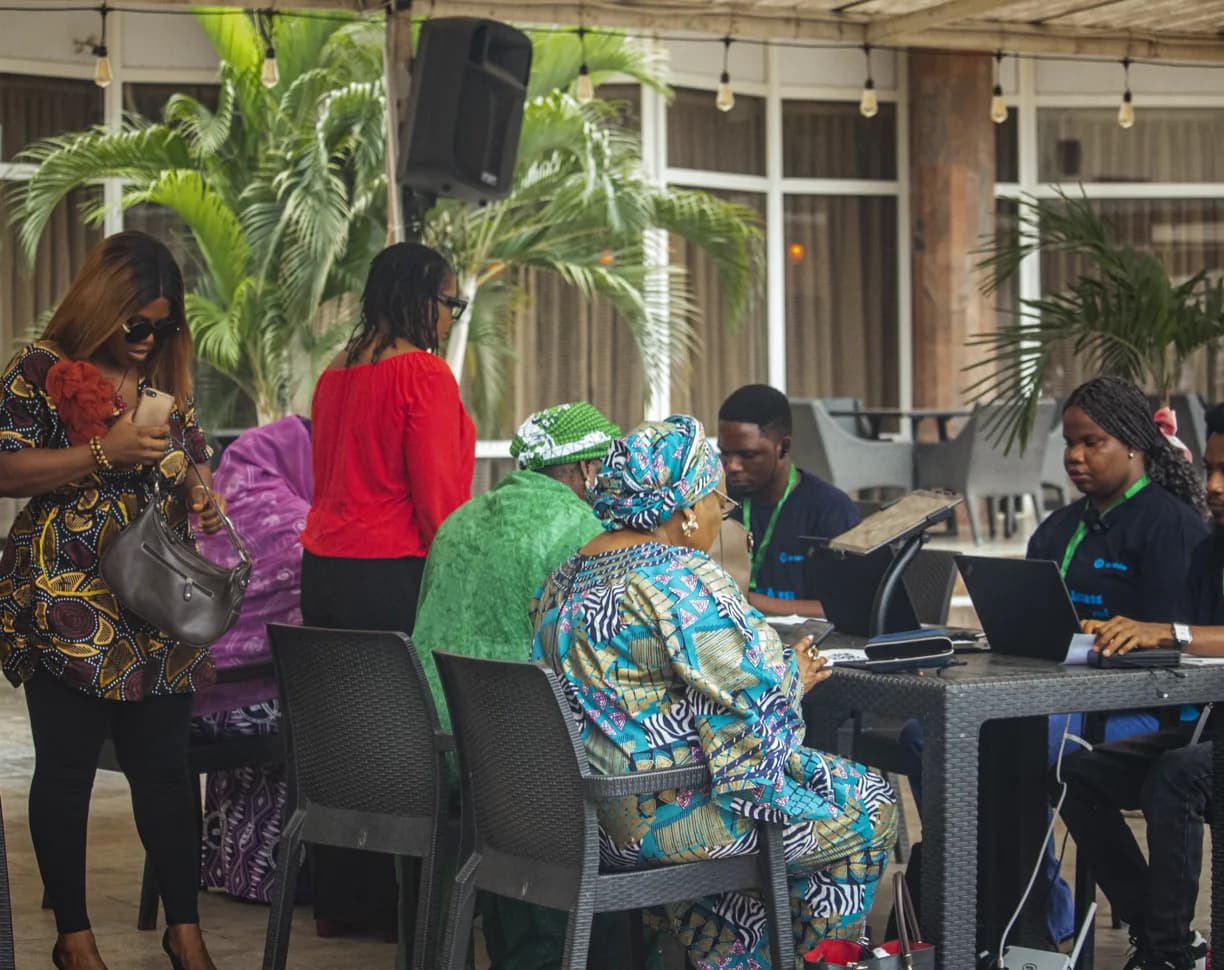
Three decisions, then the doors run themselves.
Access rules are configured before the event; the room does the rest.
Set the access rules
Registration, ticketing and approvals feed the door automatically. A change made at 07:40 is on every kiosk at 07:41.
Put a scanner on the door
Each kiosk or counter setup takes its own queue. Marshals see exceptions; the system handles the 95% who need nothing.
Read the room
Arrivals, walk-ins and reprints are already counted. The door report exists while the keynote is still running.
Access control that survives a busy corridor.
Session tracking is where programming, ticketing and the door stop disagreeing with each other.
Tiered access
Delegate, speaker, VIP, press, exhibitor and staff each get their own permissions per session.
Capacity enforcement
A hard cap per room, enforced at the scan rather than estimated by a steward with a clicker.
Session-level QR
The badge already in their hand is the credential. No second ticket, no second app.
Live occupancy
Seats taken, seats left and queue pressure per room, refreshed while the session runs.
No-show release
Release held or pre-booked seats after a set window so empty chairs get used.
Attendance records
Per-attendee session history, ready for CPD submissions, certificates or sponsor reports.
Group and delegation access
Give a delegation or a sponsor block access to a set of sessions in one action.
Programme insight
Which sessions filled, which under-delivered, and how attendance tracked against ticket type.
Offline scanning
Room doors keep validating against the local list through a network outage.
Make more of the whole event.
A Few Things You Might Be Wondering.
Straightforward answers about the Onevie experience.
Yes. Nexus is Onevie's portable on-site server. It keeps attendee verification, QR check-in and badge printing running locally, even when venue internet isn't available. Your kiosks stay operational and your entrance keeps moving.